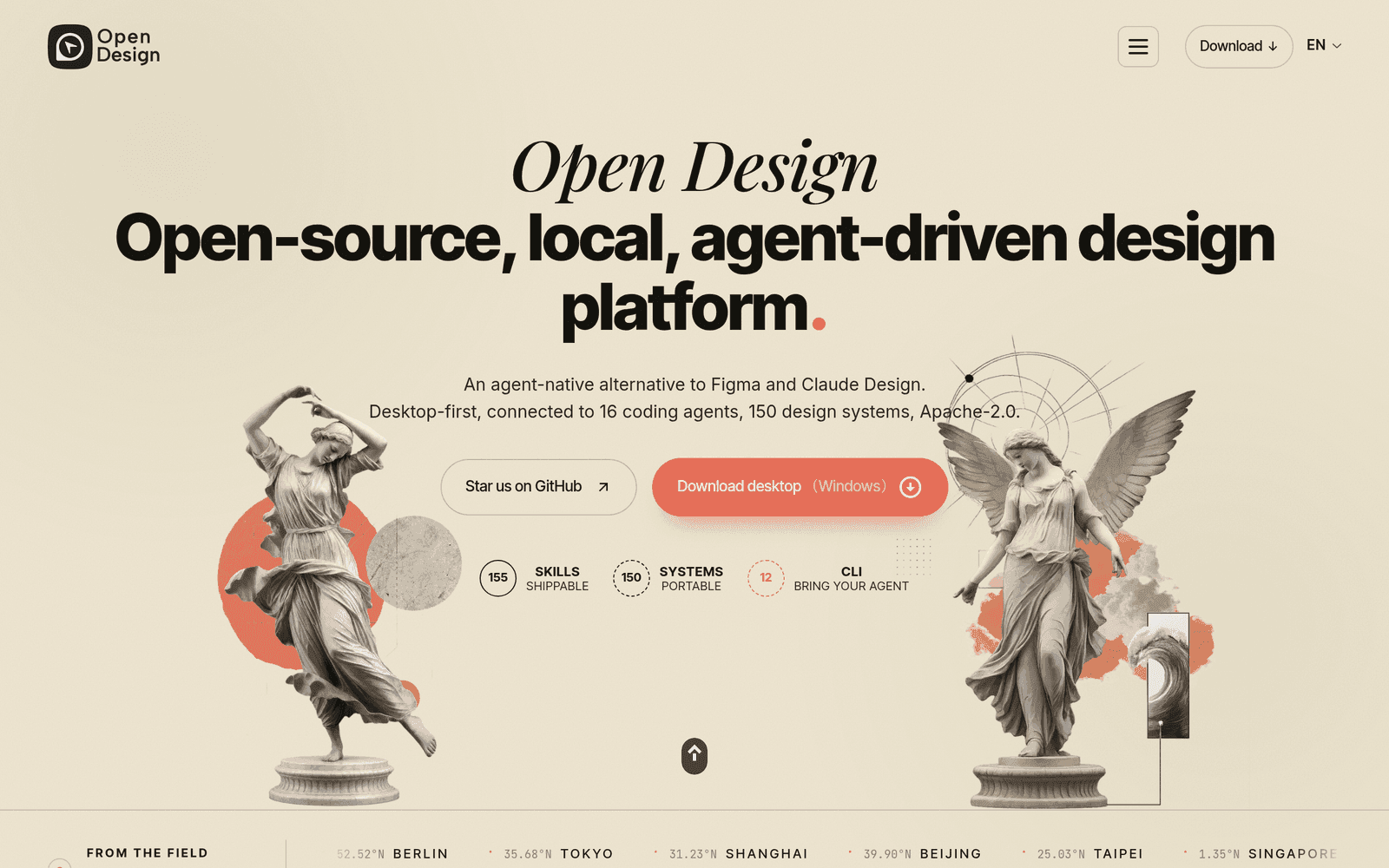
№ 001 · open-design.ai
Open-source design studio with 31 skills and 72 design systems
When an agent needs a real design system — not another “make it pretty” prompt — I start here. Replaces generic UI kits. Caveat: pick one system and stick with it.
Human-curated field guide
VOL. 01 / 30A hand-curated field guide for design, code, and creative work—with honest notes on when to use each tool.
Curator signal
№ 001 · open-design.ai
Open-source design studio with 31 skills and 72 design systems
When an agent needs a real design system — not another “make it pretty” prompt — I start here. Replaces generic UI kits. Caveat: pick one system and stick with it.
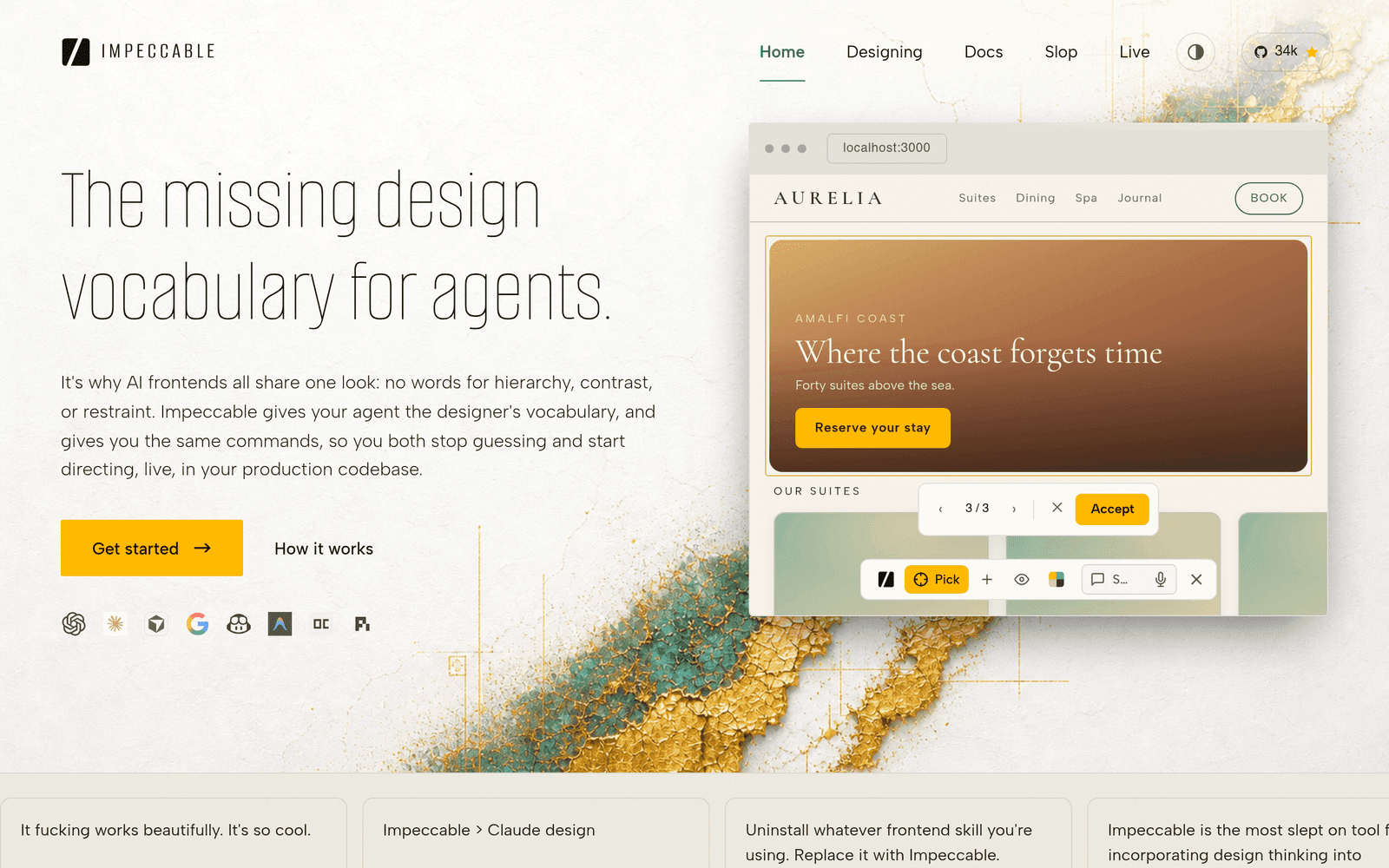
№ 006 · impeccable.style
AI design intelligence with 23 commands for frontend design
When a generated page looks “off” but I can’t name why, I run these commands. Replaces vague redesign chats. Caveat: it critiques taste — you still choose the fix.
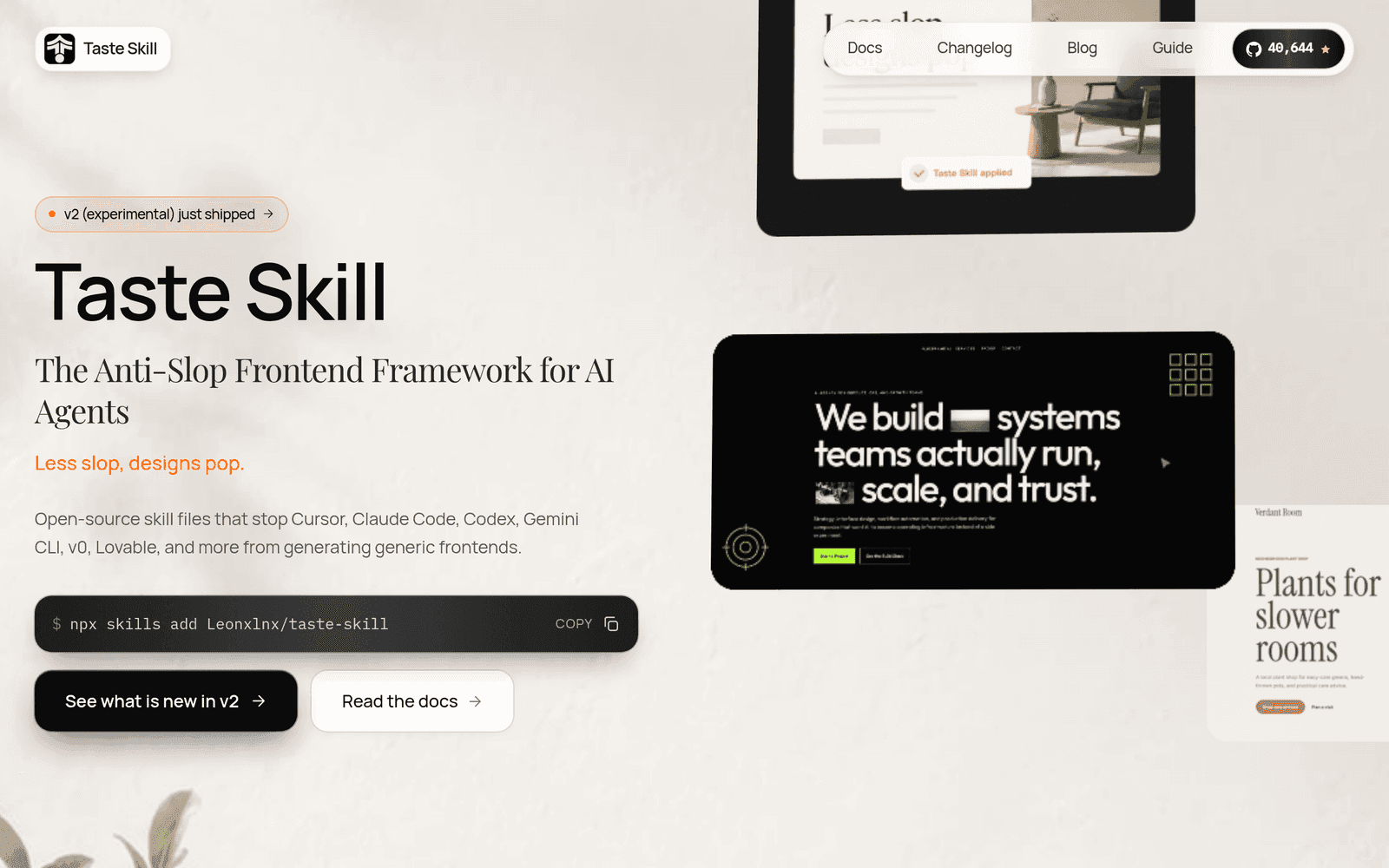
№ 010 · tasteskill.dev
Anti-slop SKILL.md files that give AI coding agents better design taste
When I bootstrap a coding agent for UI work, I drop these SKILL.md files in first. Replaces hoping the model “has taste.” Caveat: still needs a real reference layout.
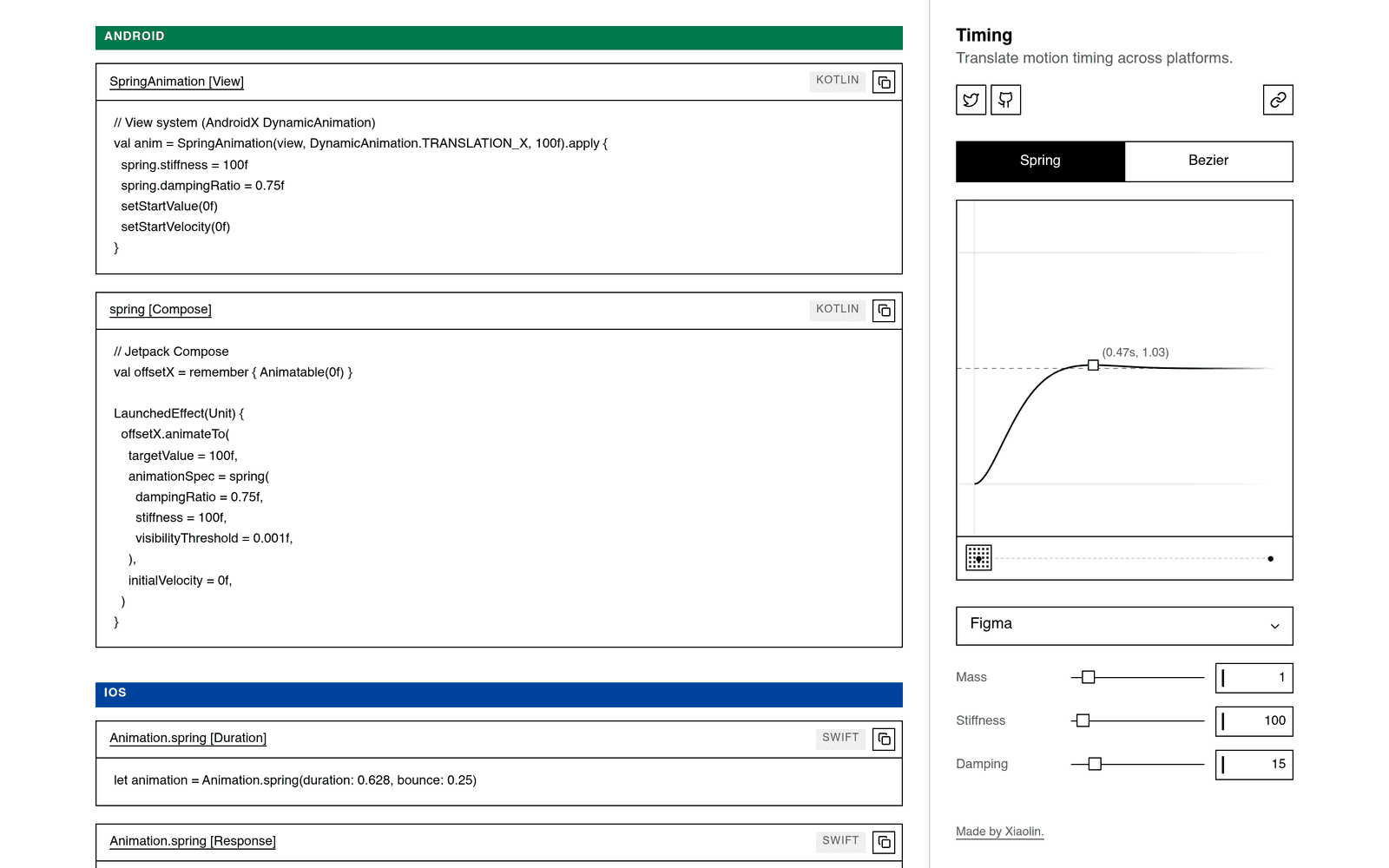
Visual craft
25
№ 001 · open-design.ai
Open-source design studio with 31 skills and 72 design systems
When an agent needs a real design system — not another “make it pretty” prompt — I start here. Replaces generic UI kits. Caveat: pick one system and stick with it.

№ 002 · nevertoday.github.io
742 traditional Chinese color swatches with HEX, RGB, CMYK values
When a Chinese-inspired palette needs real names and print values, I open this first. Replaces random hex dumps from image samplers. Caveat: cultural names matter more than “close enough” RGB.
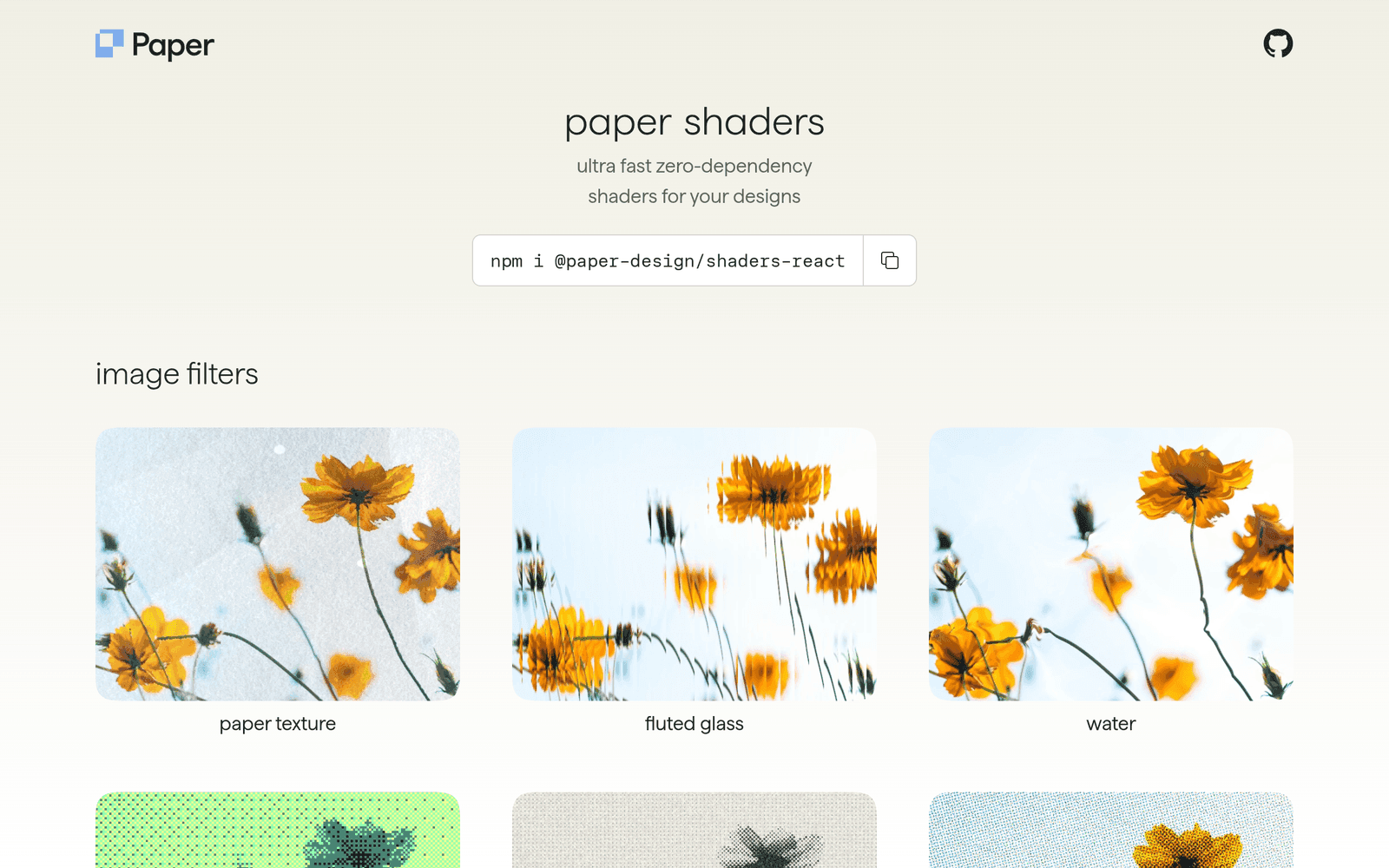
№ 003 · shaders.paper.design
Ultra-fast zero-dependency shaders for designs
When a surface needs expensive-looking motion without a heavy creative stack, I drop these in. Replaces custom shader experiments I will not maintain. Caveat: still check performance on low-end phones.
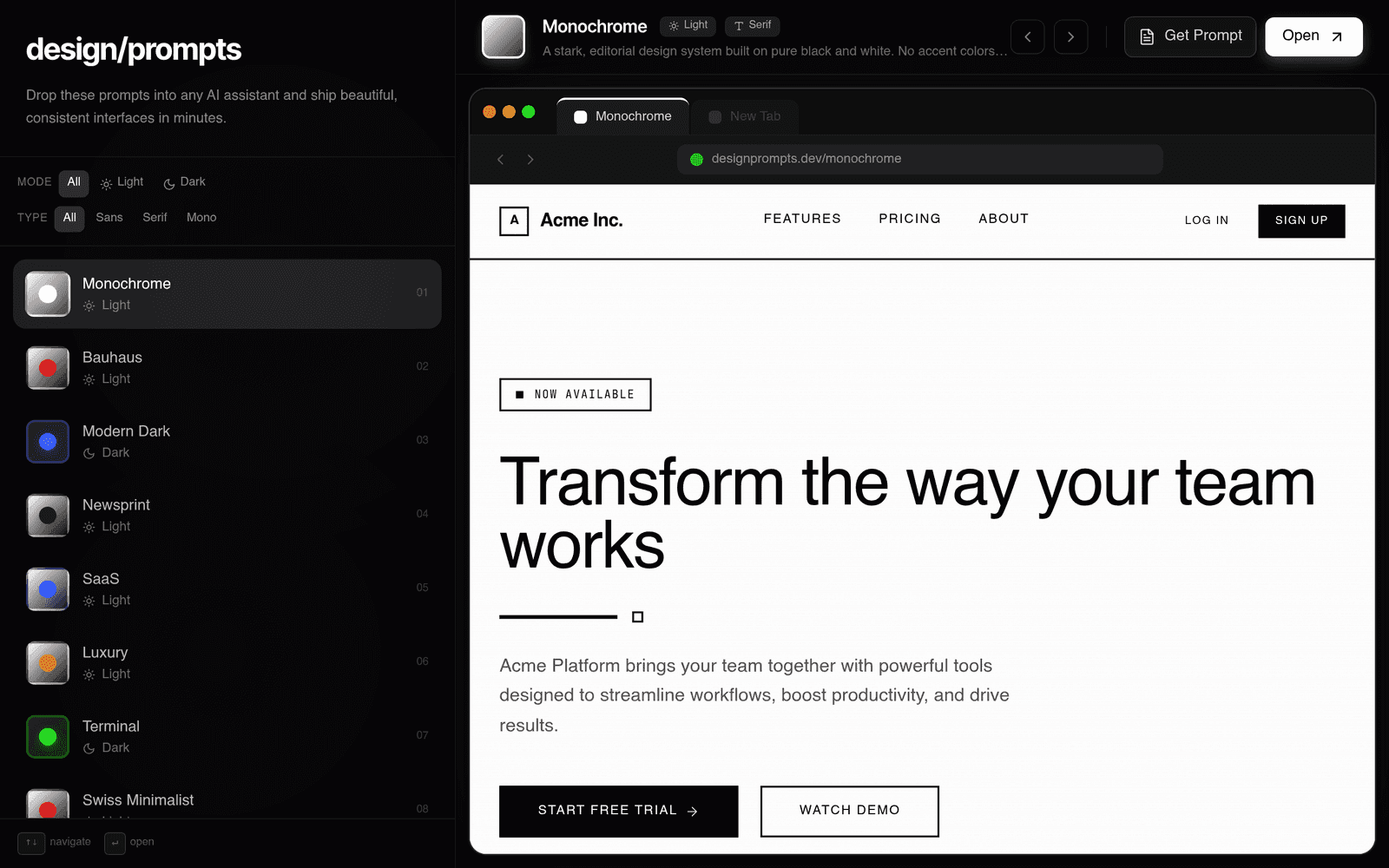
№ 004 · designprompts.dev
AI design style explorer with 31+ rendered styles
When I am about to write a long design prompt, I browse styles here first. Replaces guessing a visual direction in pure text. Caveat: steal the direction, rewrite the prompt in your product’s voice.

№ 005 · motionsites.ai
Ready-to-use AI prompt library for beautiful landing pages
When a landing page needs structure fast, I steal a skeleton here then rewrite the copy. Replaces starting from a blank hero. Caveat: do not ship the template prose — clients smell it.
№ 006 · impeccable.style
AI design intelligence with 23 commands for frontend design
When a generated page looks “off” but I can’t name why, I run these commands. Replaces vague redesign chats. Caveat: it critiques taste — you still choose the fix.
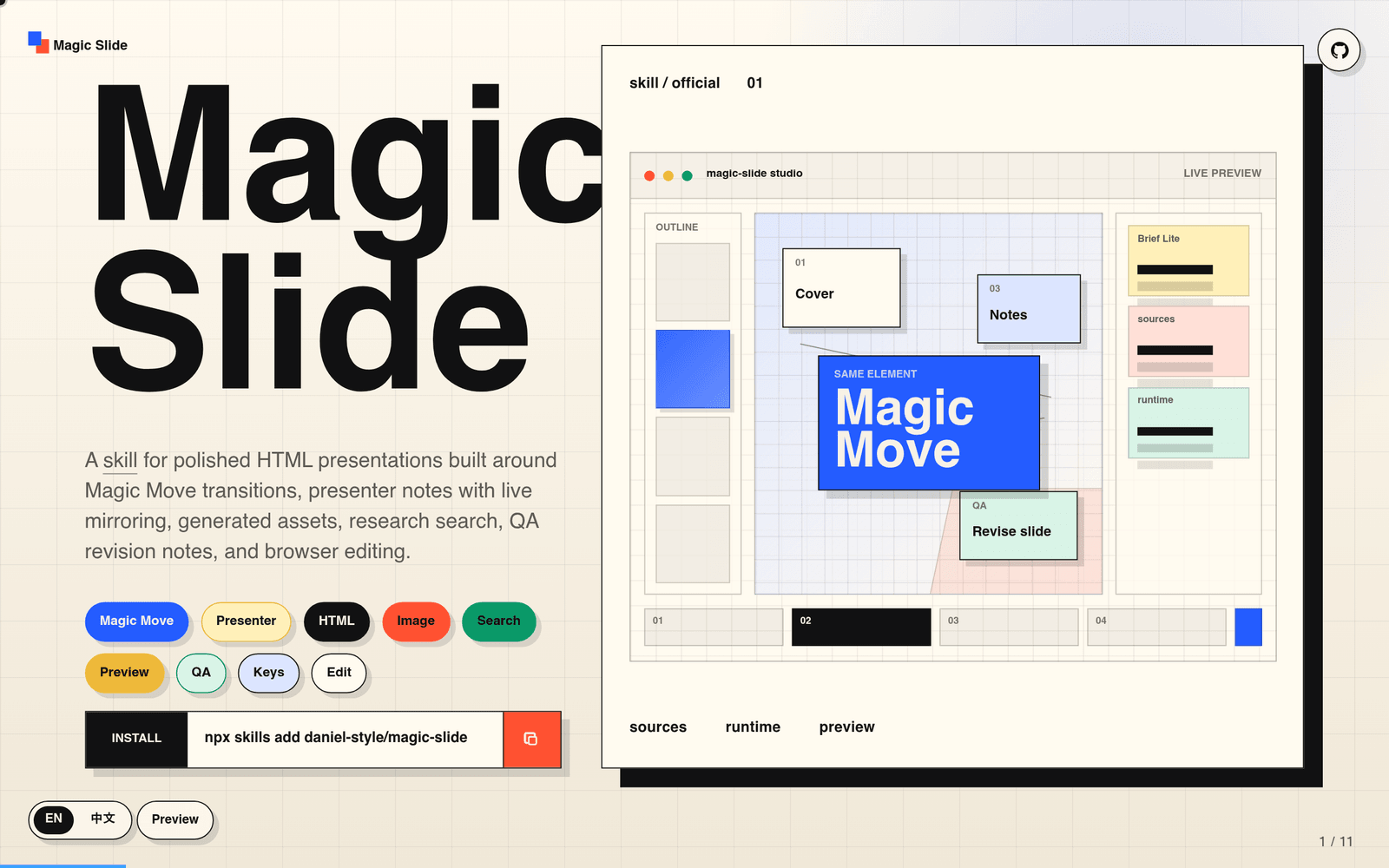
№ 008 · magicslide.show
AI-powered HTML presentations with Magic Move transitions and browser editing
When a deck must live in the browser and move with Magic Move, I use this over Keynote. Replaces fighting export pipelines for agent-built slides. Caveat: design still needs hierarchy — animation will not save a bad outline.
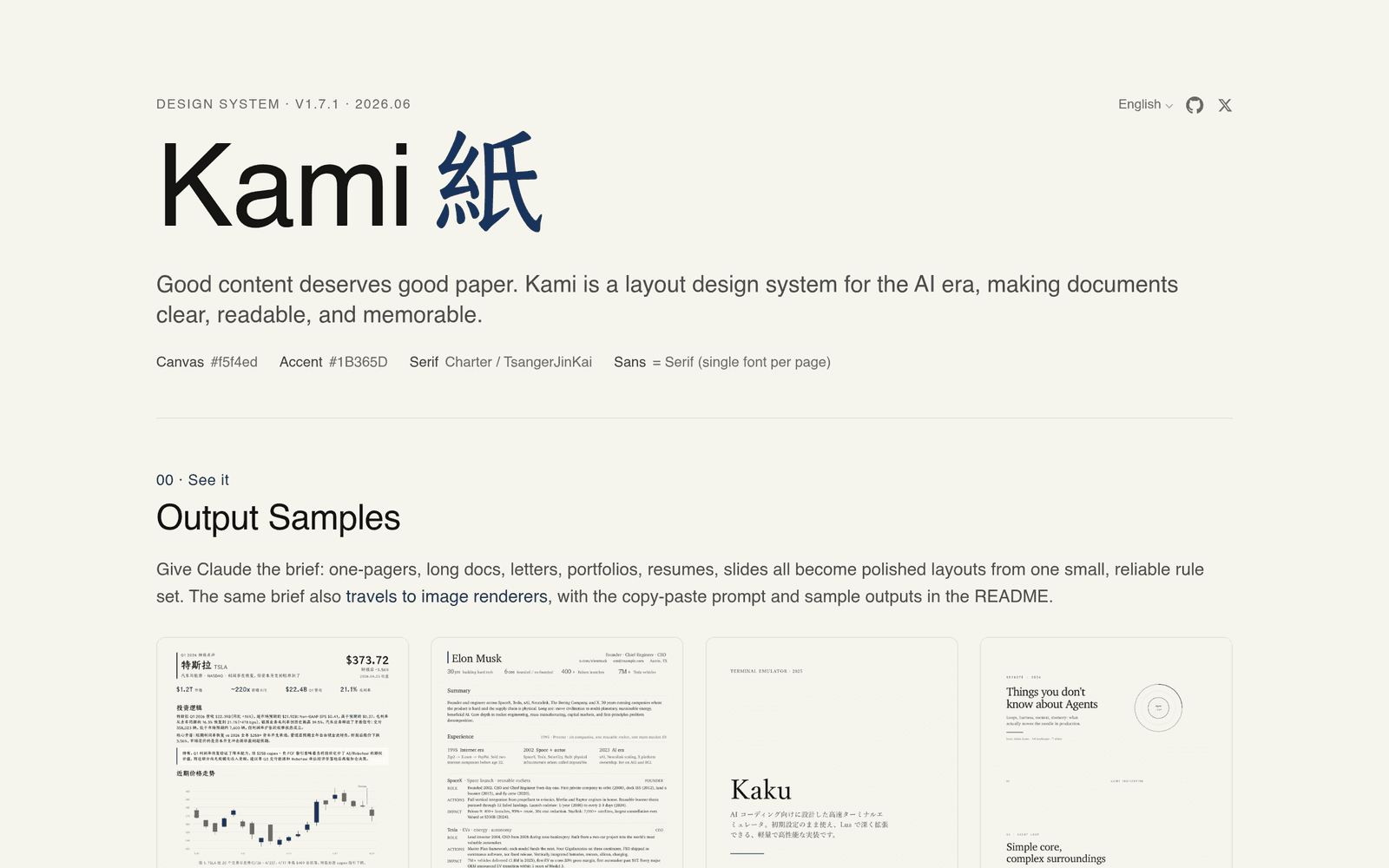
№ 009 · kami.tw93.fun
Warm parchment design system for AI-assisted documents
When Markdown previews feel cold and default, I switch to this parchment system. Replaces plain GitHub-flavored dumps for reading-heavy docs. Caveat: not every stakeholder wants warm paper — ask before standardizing.
№ 010 · tasteskill.dev
Anti-slop SKILL.md files that give AI coding agents better design taste
When I bootstrap a coding agent for UI work, I drop these SKILL.md files in first. Replaces hoping the model “has taste.” Caveat: still needs a real reference layout.
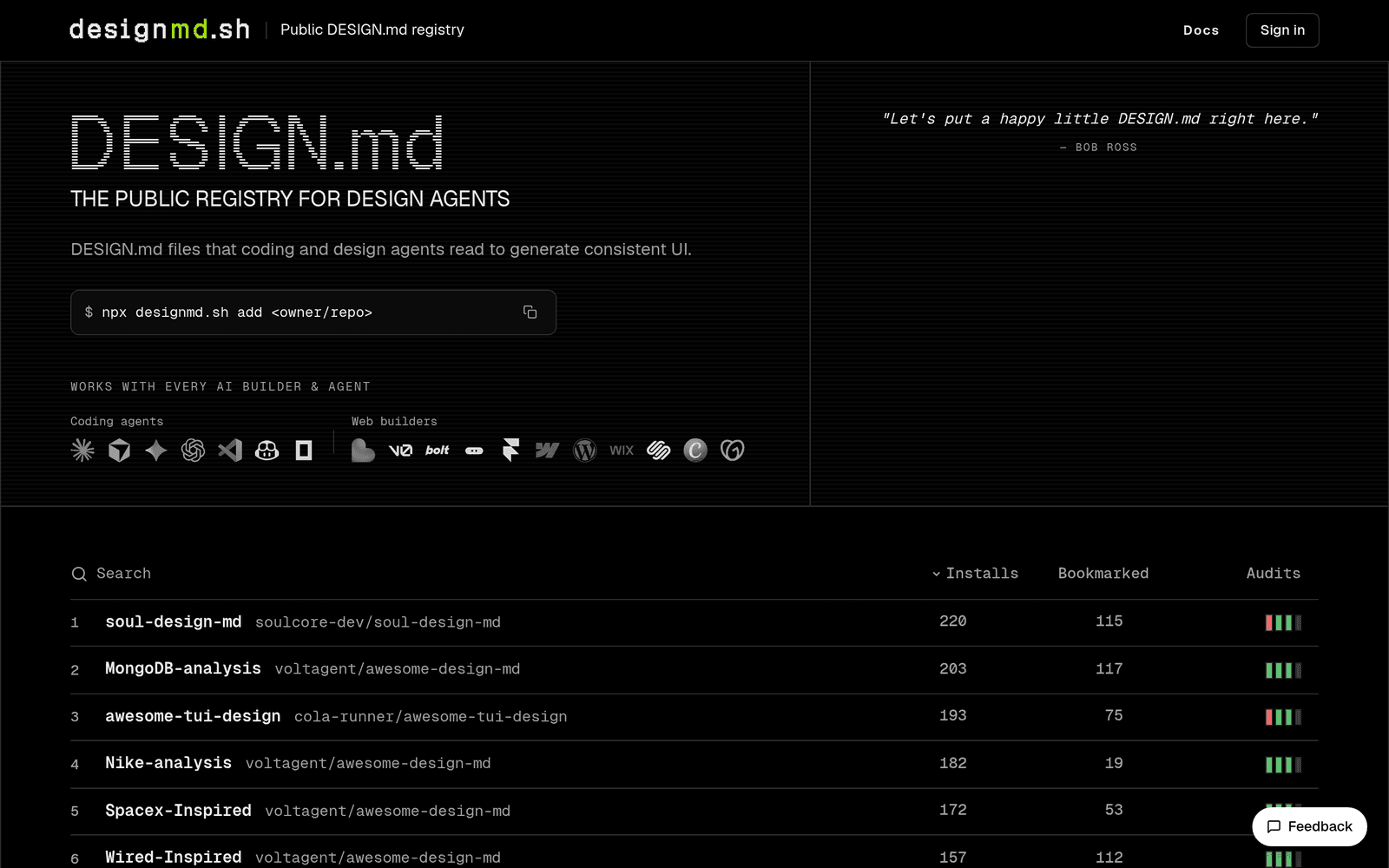
№ 011 · designmd.sh
Public DESIGN.md registry for AI coding and design agents
When I need a public registry of agent-readable design systems, I look here. Replaces hunting random GitHub gists. Caveat: verify the system matches your stack before wiring it in.
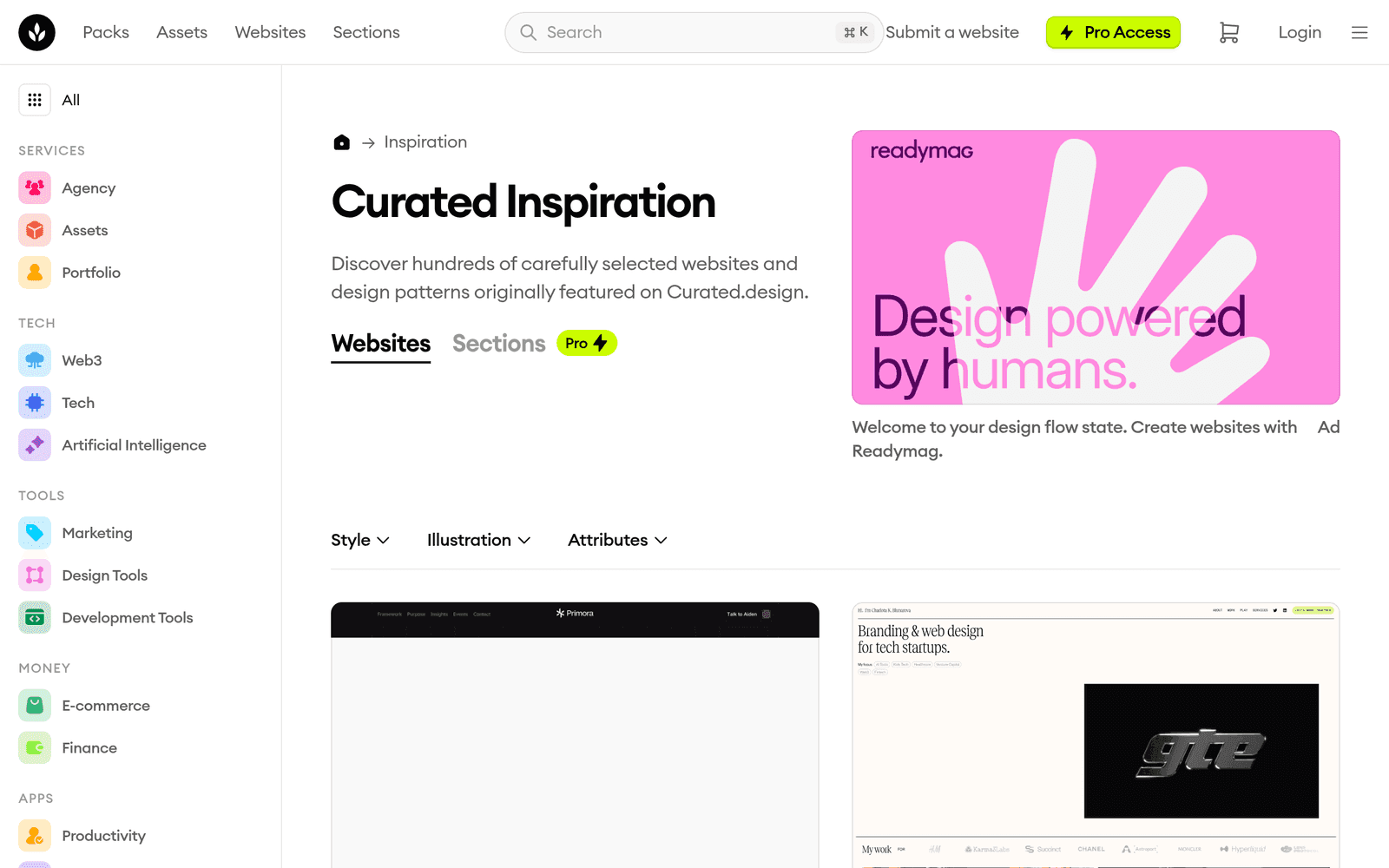
№ 016 · craftwork.design
Curated website design inspiration from the Curated.design community
When I need layout patterns that still feel current, I browse this curated set. Replaces endless Awwwards tabs. Caveat: inspiration is not a clone — adapt structure to your content density.
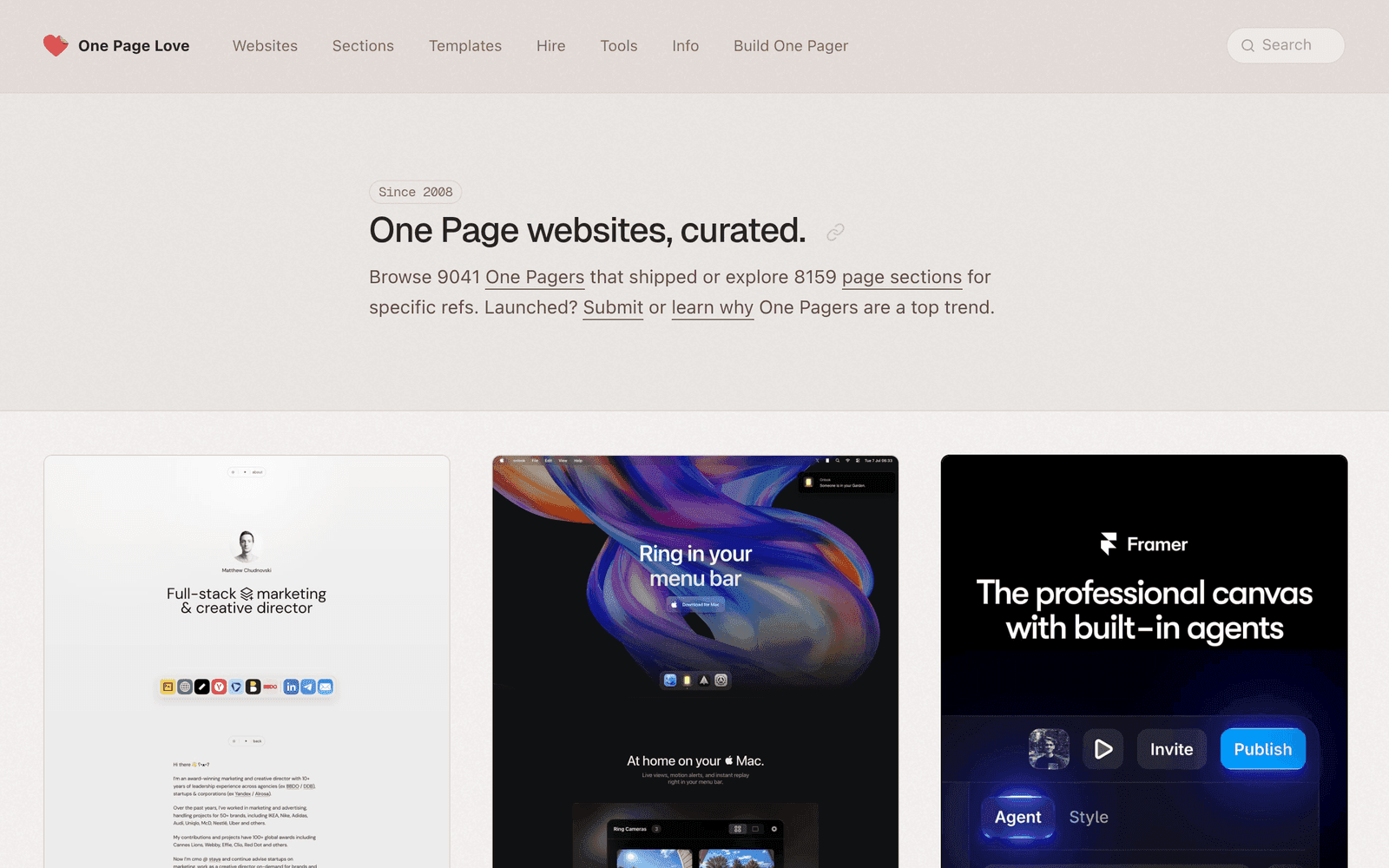
№ 017 · onepagelove.com
One-page website inspiration gallery since 2008
When a story must fit one screen, I study this long-running one-pager archive. Replaces multi-page IA for simple offers. Caveat: one page still needs ruthless editing — length is not the goal.
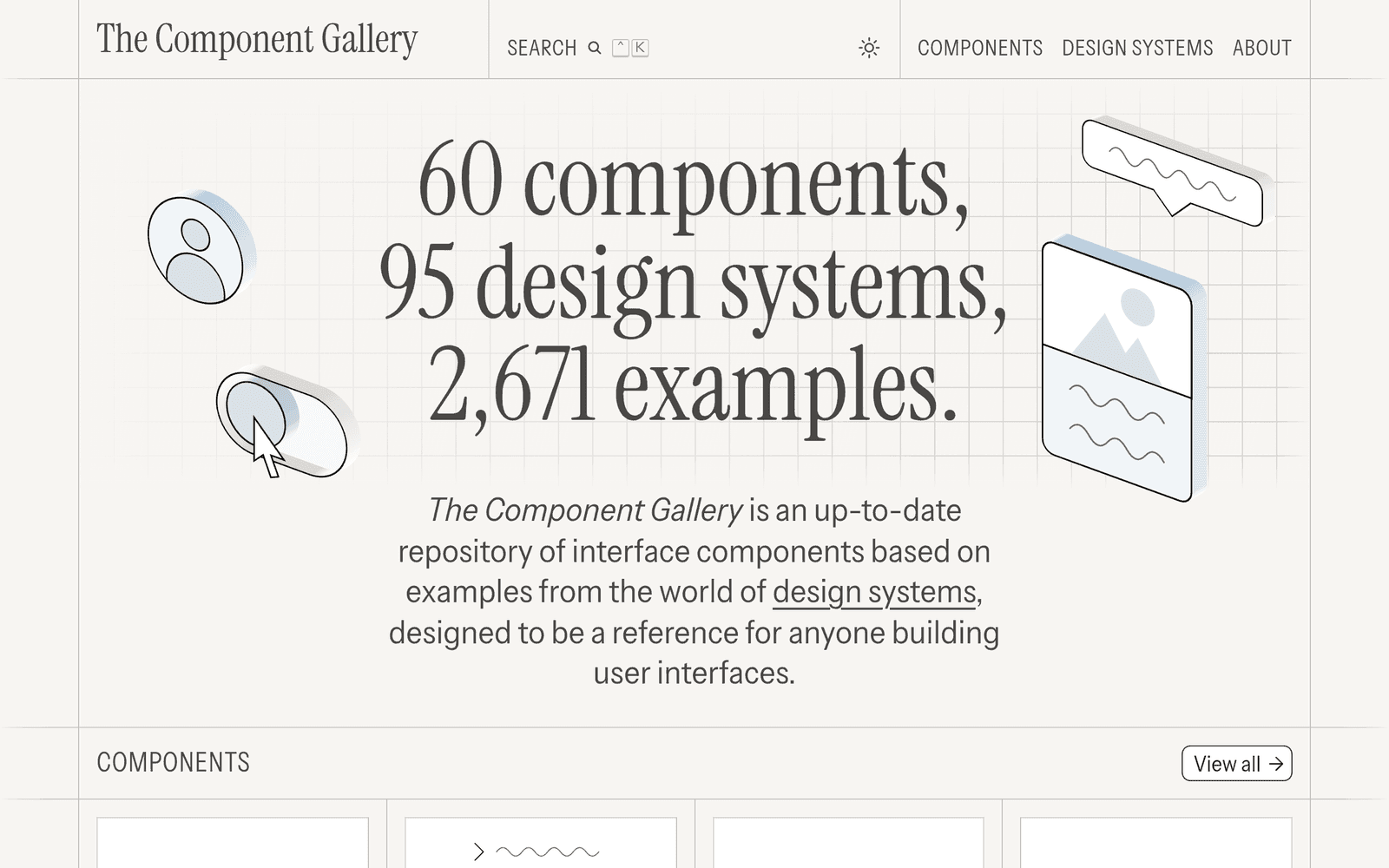
№ 018 · component.gallery
Up-to-date repository of UI components from real design systems
When I need how real design systems name a pattern, I open this — not Dribbble. Replaces inventing component vocabulary. Caveat: it’s reference, not a kit to copy wholesale.

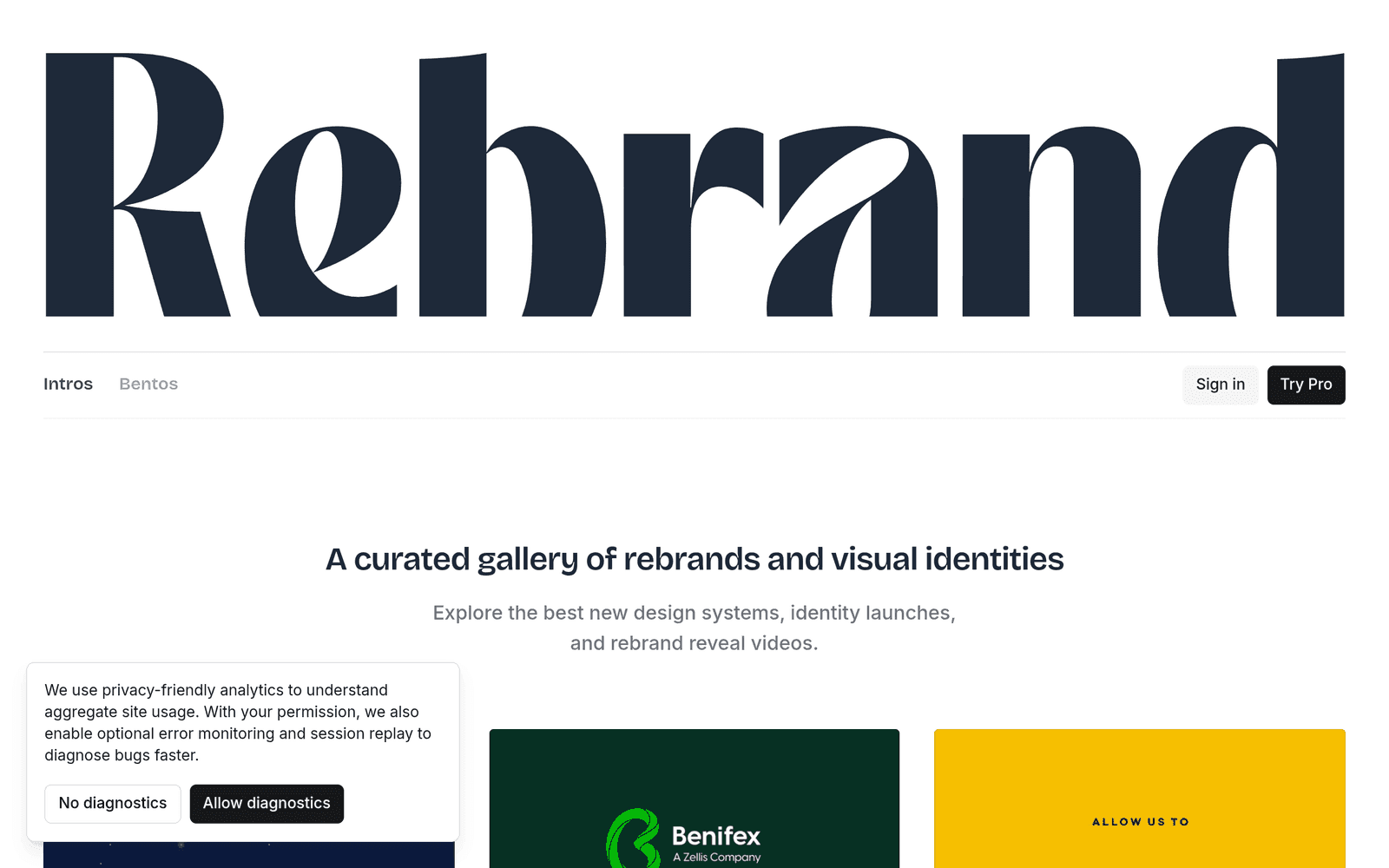
№ 020 · rebrand.gallery
Curated gallery of rebrands and visual identity launches
When a logo or identity needs before/after thinking, I study rebrands here. Replaces arguing from taste alone in reviews. Caveat: context is half the story — a rebrand for a bank is not a rebrand for a game.
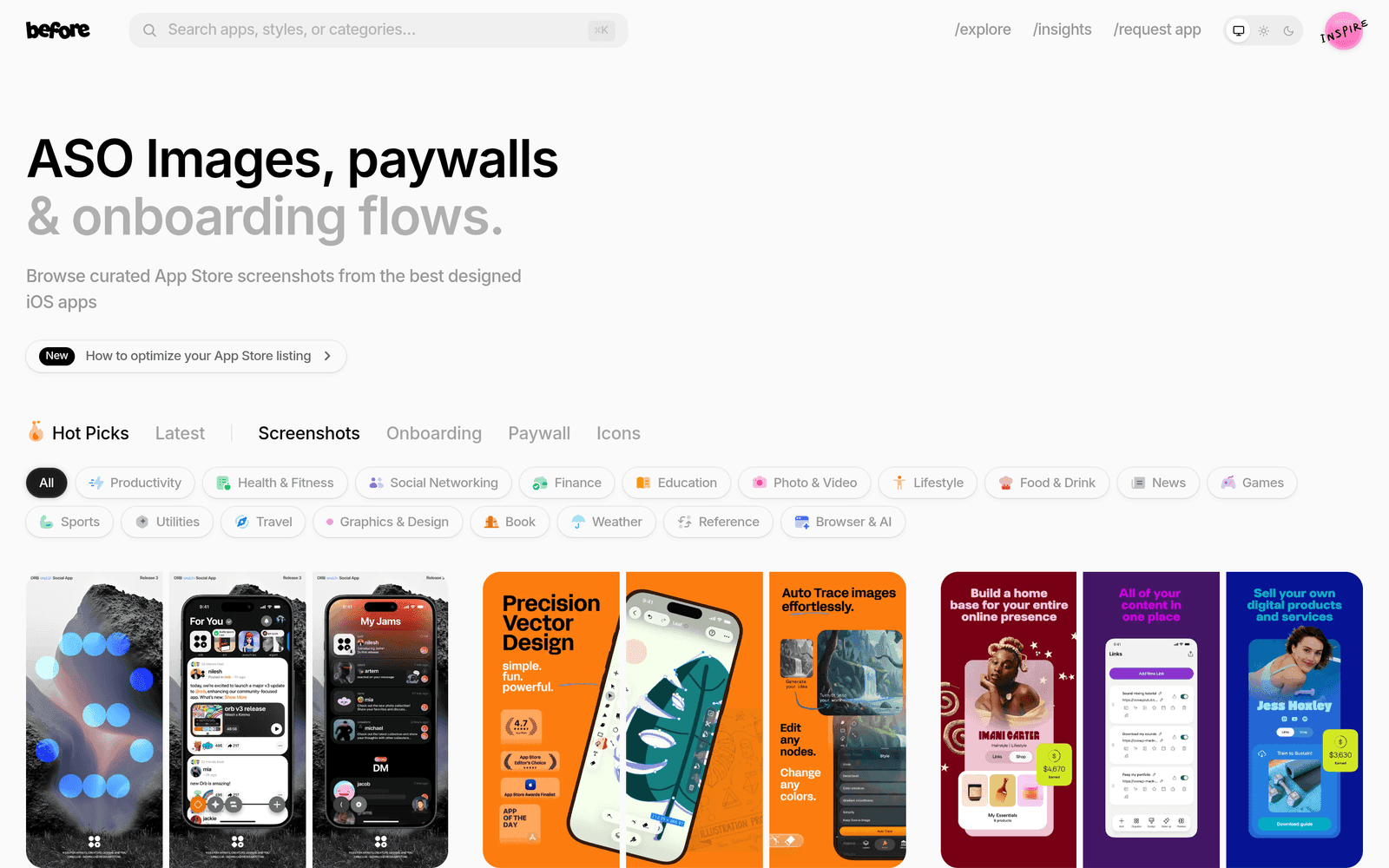
№ 022 · before.click
Curated App Store screenshots, paywalls and onboarding flows
When store screenshots or paywalls need framing, I study this gallery. Replaces inventing conversion copy in a vacuum. Caveat: patterns age — check dates and category fit.
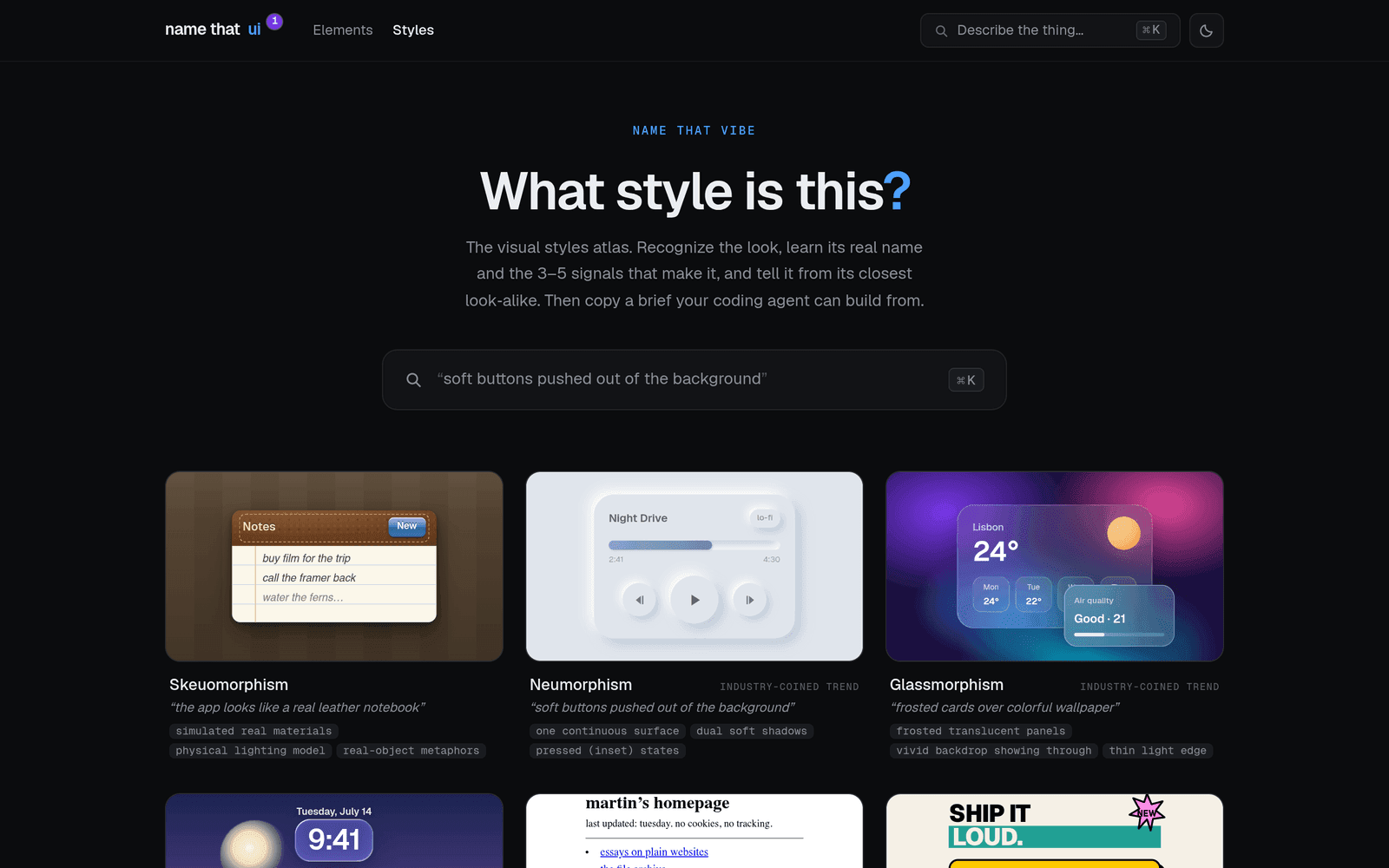
№ 024 · namethatui.com
Visual dictionary of UI elements: learn the real name and prompt your coding agent with precision
When I’d otherwise write “that little grey control,” I look up the real name first. Replaces fuzzy agent prompts. Caveat: names vary slightly by system — still better than “thing.”
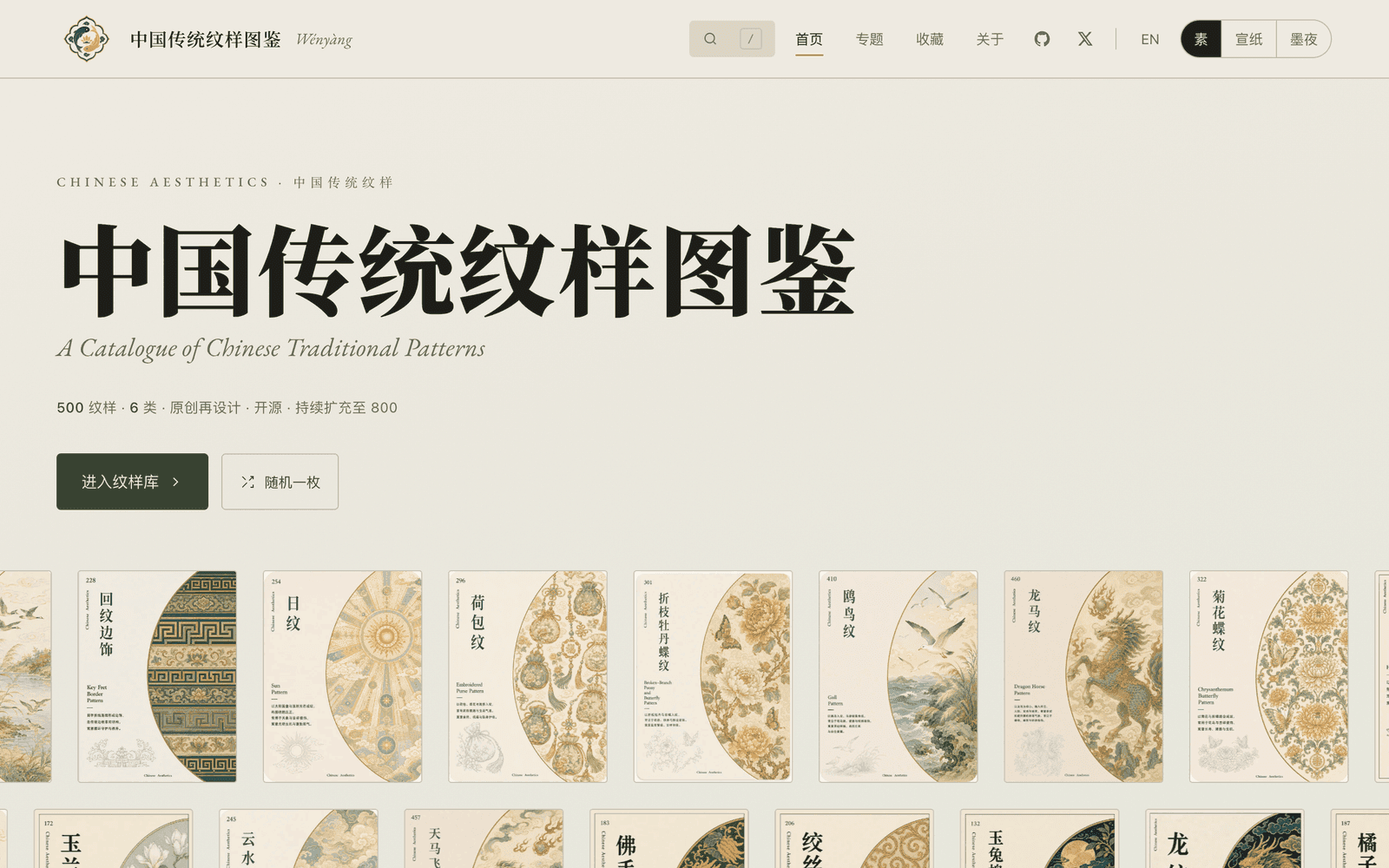
№ 026 · wenyang.net
A catalogue of Chinese traditional patterns, redrawn and open-sourced for modern design
When I need authentic Chinese pattern references for branding or illustration, I browse this catalogue first. Replaces generic pattern sites or digging through historical archives. Caveat: patterns are reinterpreted for modern use — verify cultural context if you are working on heritage or formal projects.
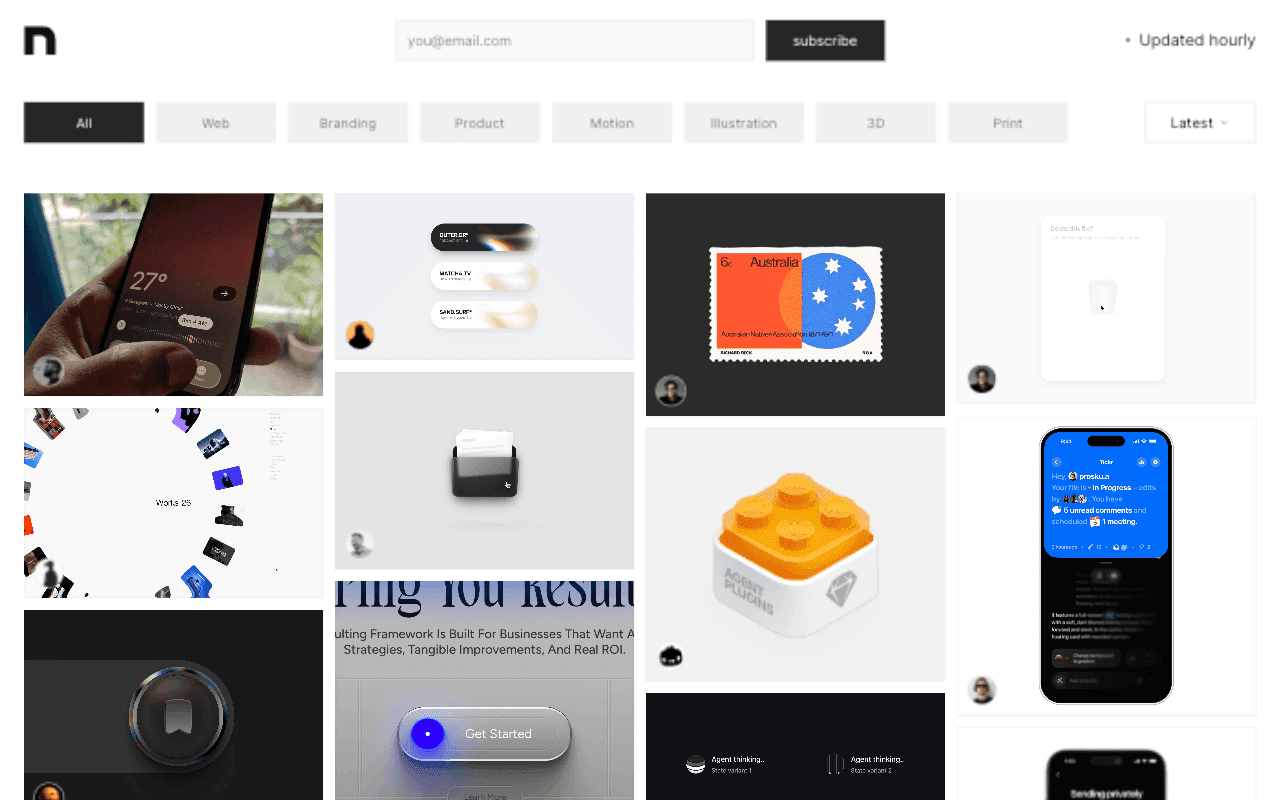
№ 028 · inspora.design
A curated archive of recent visual design and creative work, updated hourly
When I need to see what design work shipped this week across disciplines, I let this hourly archive run. Replaces scrolling scattered X and Dribbble tabs hoping to catch something current. Caveat: “recent” is not “best” - treat it as a pulse check, not a canon.
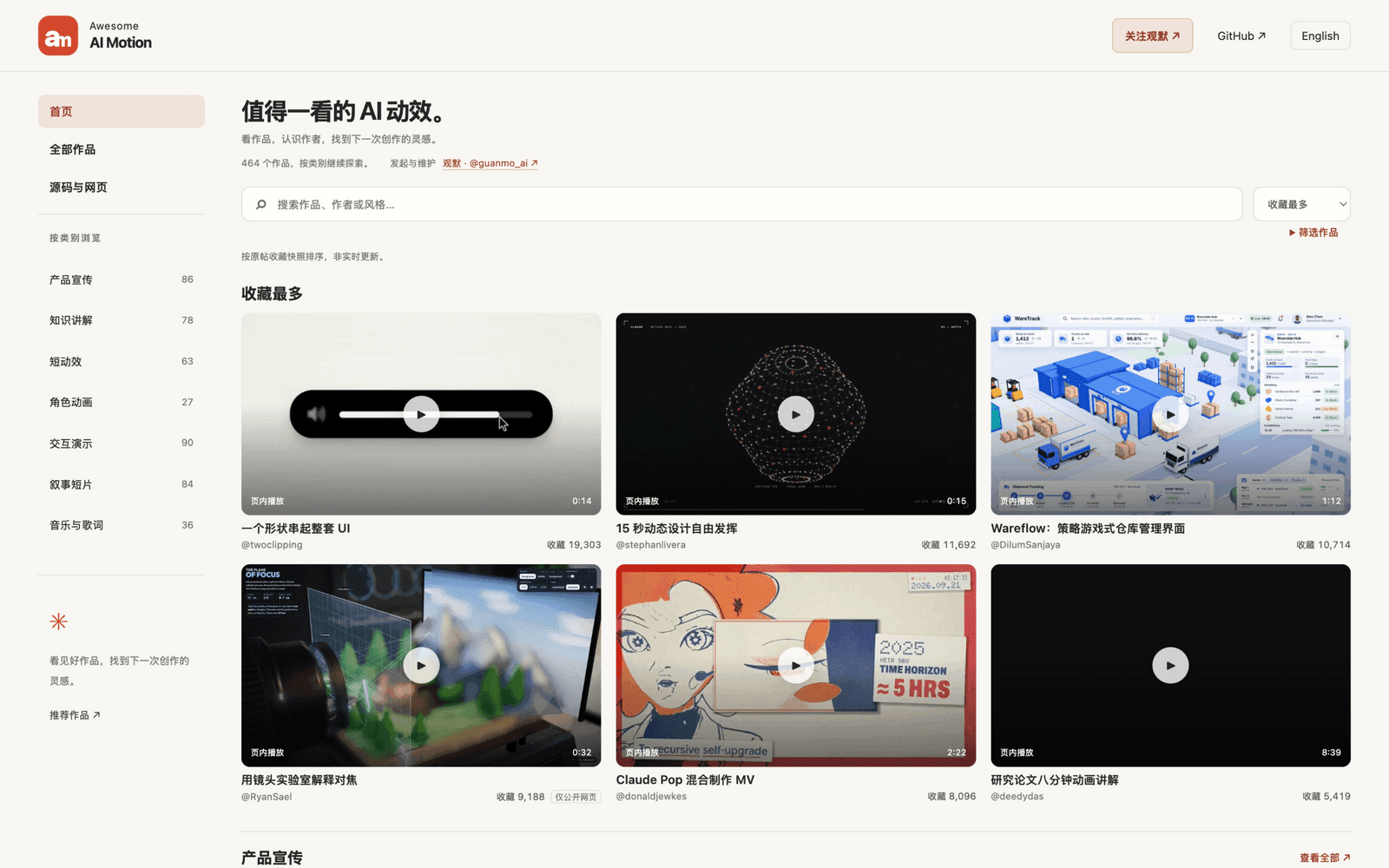
№ 029 · guanmo-ai.github.io
Curated gallery of 460+ AI motion works with public prompts and source code
When I want to see what AI video can actually do before briefing one, I browse this gallery by use case. Replaces scrubbing X to find that one clip someone mentioned. Caveat: prompts are snapshots of a single run - treat them as starting points, not recipes that reproduce the result.
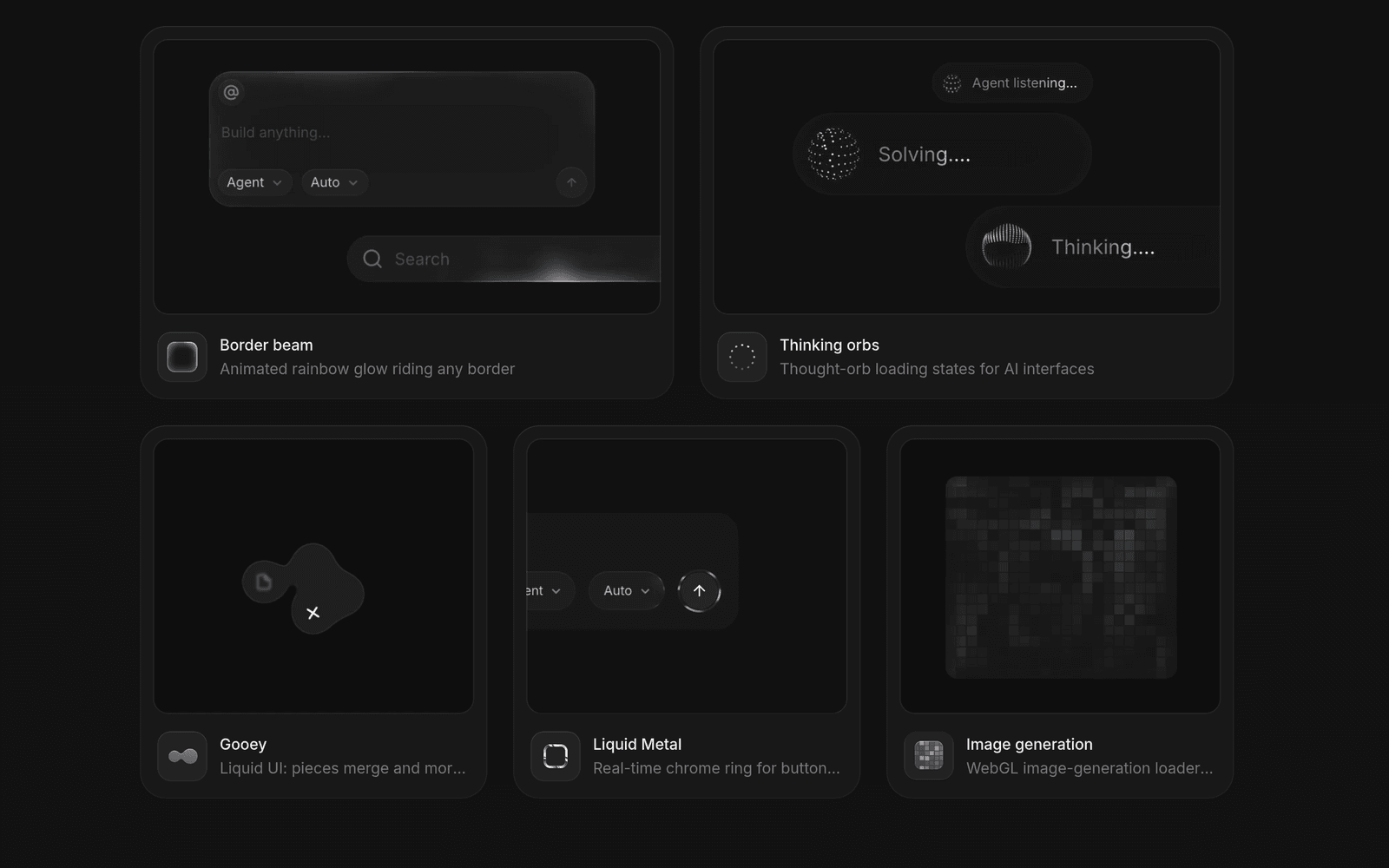
№ 030 · libraries.dev
High-crafted UI effect libraries that ship as copy-paste prompts for coding agents
When an agent-built interface looks generic and needs one signature motion, I hand it a prompt from here. Replaces hand-rolling loading and hover effects that never feel finished. Caveat: five effects only - pick the one that matches the product’s voice, do not stack them all.
Play & systems
3
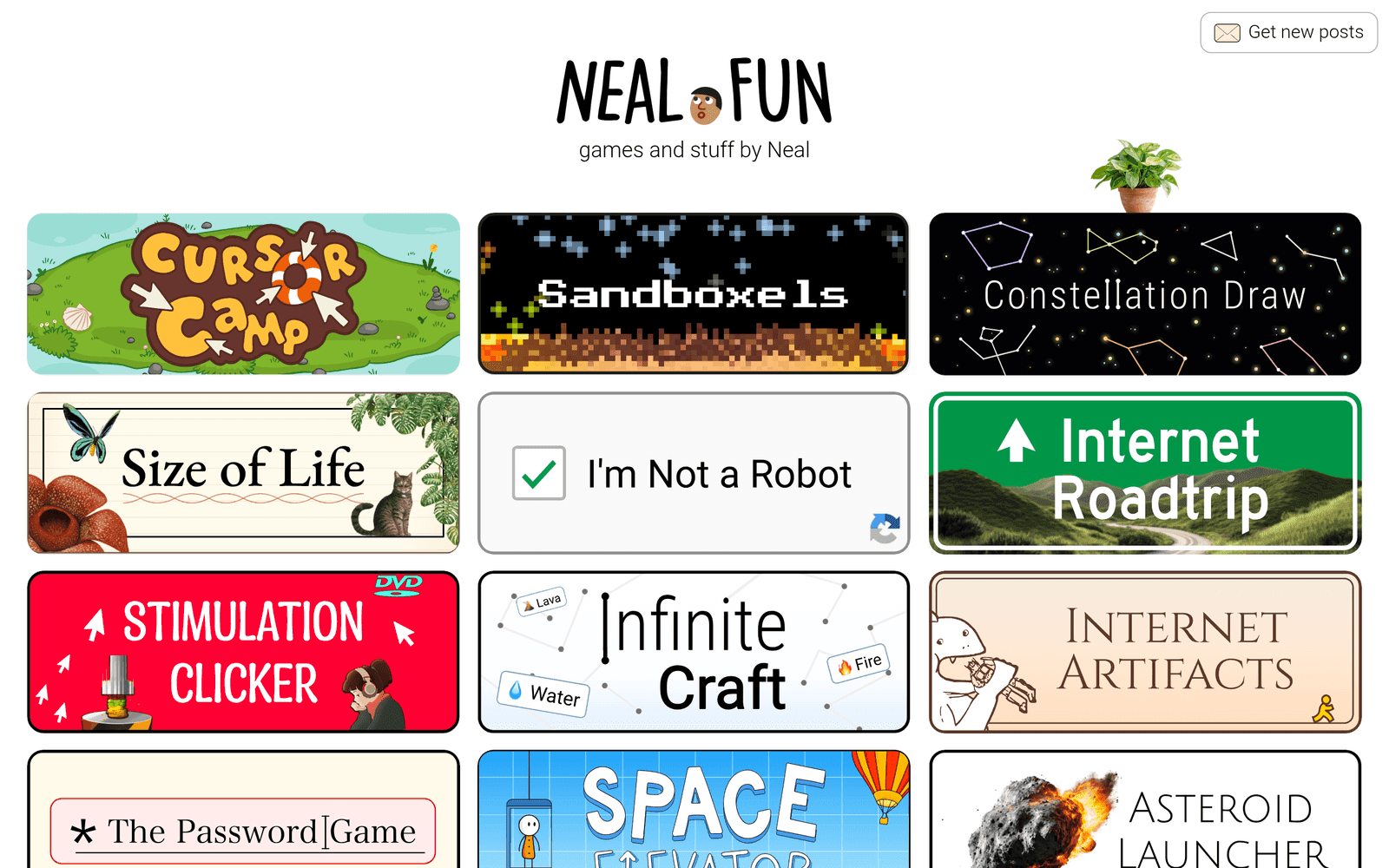
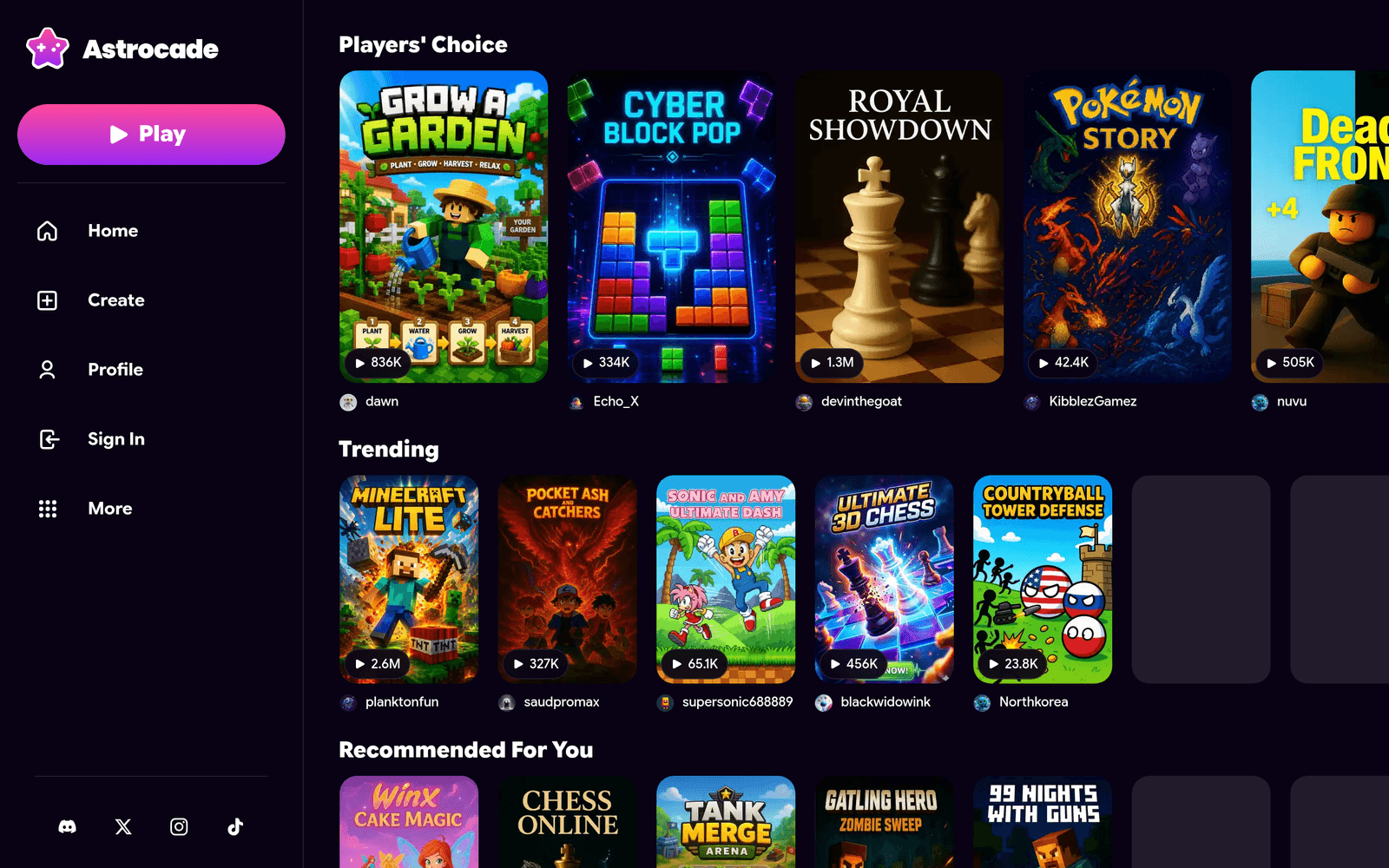
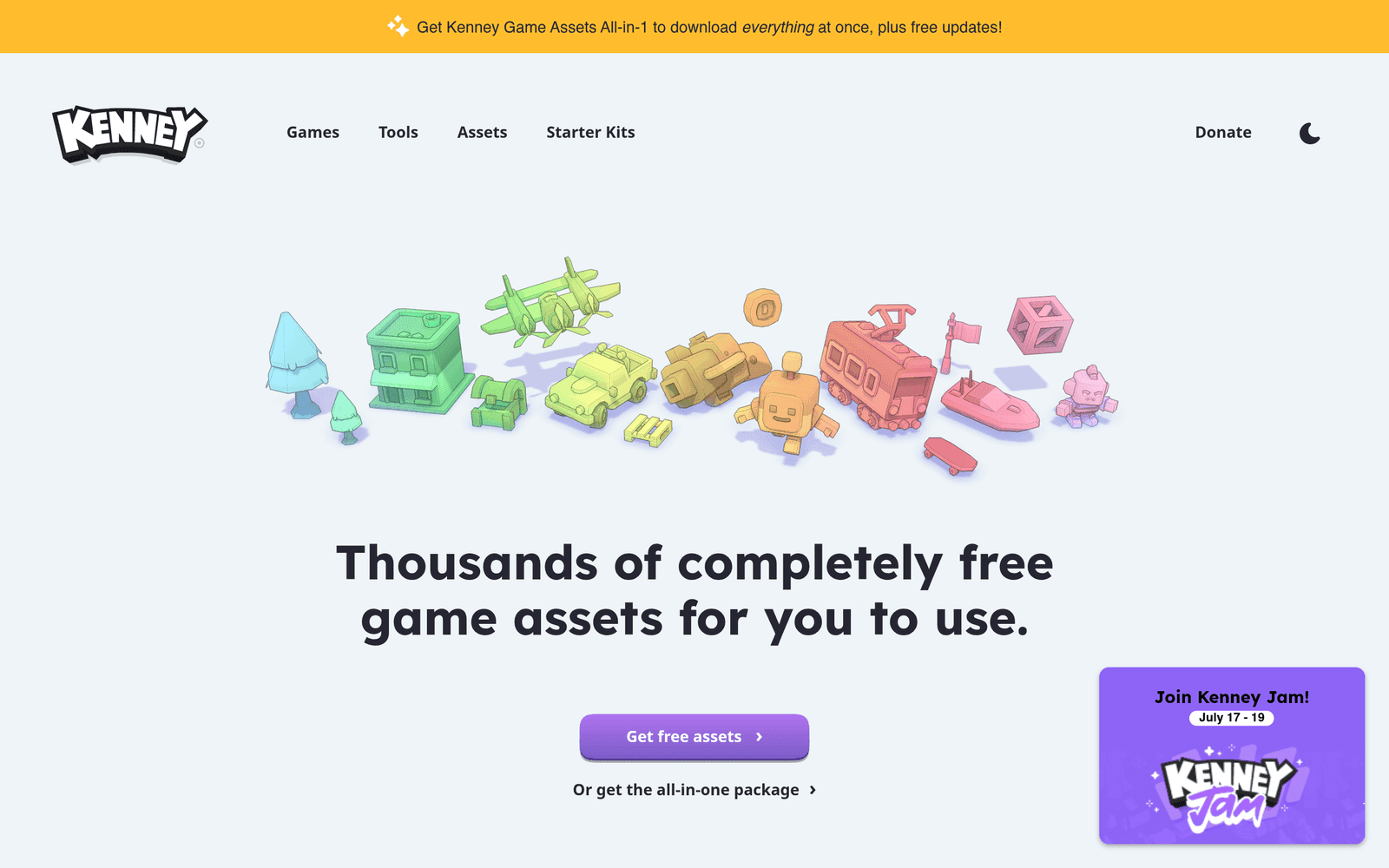
№ 014 · kenney.nl
Thousands of completely free game assets including sprites, 3D models, audio and tools
When a prototype needs art and I have zero budget, I trust Kenney first. Replaces random free packs with unclear licenses. Caveat: free assets still need consistent art direction — do not mix five packs blindly.
Discovery feed
2

№ 025 · bestdesignsonx.com
Hourly updated directory of creatives to discover and follow on X
When I need fresh designer references without chasing algorithm feeds, I browse this hourly digest. Replaces scrolling X hoping to stumble on good work. Caveat: profiles come and go — use it as discovery, not a permanent bookmark list.
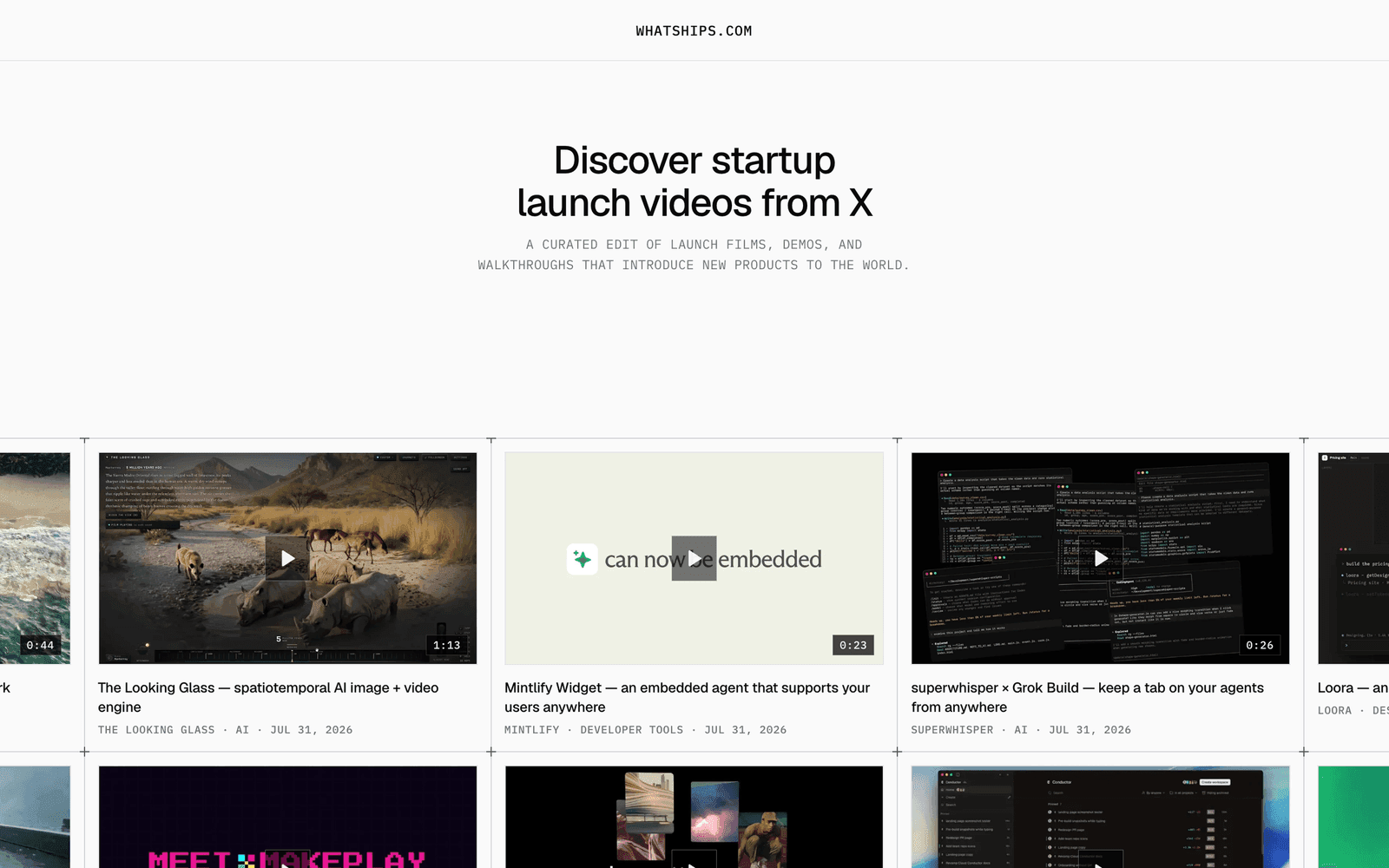
№ 027 · whatships.com
A curated edit of startup launch videos, demos, and product walkthroughs from X
When I need inspiration for a product launch or demo video, I browse this curated feed first. Replaces scrolling X hoping to catch a good launch post. Caveat: launch videos are ephemeral and trends move fast — use it for inspiration, not as a permanent archive.